
How to Log In to a Threads Account with Its Instagram Login and 2FA Key
October 19, 2026
BuyThreadsAccounts Support Desk· Customer support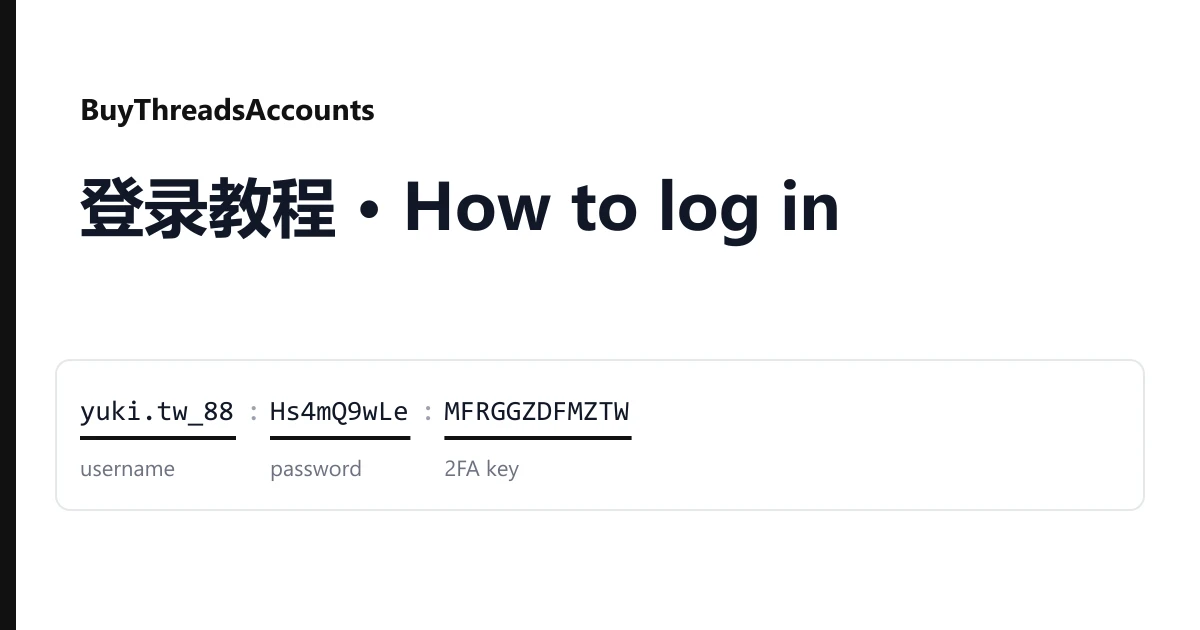
A Threads profile is opened through Instagram. Many listings on BuyThreadsAccounts say so in the title ("Joined by Instagram") or sell the account as an Instagram + Threads pair. So the username and password in your line are an Instagram login, and Threads lets you in with it. Here is how.
Reading your line
Each account is one line on your order page, with three fields joined by colons or semicolons:
yuki.tw_88:Hs4mQ9wLe:MFRGGZDFMZTWQ2LKNNWG23TP
username : password : 2FA key| Field | Use |
|---|---|
| Username | The Instagram username behind the Threads profile |
| Password | The Instagram password |
| 2FA key | Never typed in. Turn it into a 6-digit code when asked |
A few listings add an email. It is not needed to sign in; keep it with the line.
Signing in
- Open the Threads app or threads.com and choose to log in with your Instagram account.
- Enter the username and the password, each copied on its own so no colon or space comes along.
- When a code from an authentication app is requested, paste the 2FA key into the online 2FA code generator and type the six digits before they change. They refresh every 30 seconds.
The same details also open the Instagram app, so on Instagram + Threads listings you can check both profiles.
If it fails
The code is rejected. It expired, or your device clock is off. Set the clock to automatic and generate a new one.
The password is refused. Copy the field again on its own; a stray separator is the usual cause.
A phone number or selfie check appears on the first sign-in. Do not keep retrying. Take a screenshot.
Warranty
Open a ticket from your order page within the warranty window shown on the listing, name the account and attach a screenshot. It is replaced from the same listing, or refunded if the listing has run out. Signing in never voids the warranty. Bans caused by bulk or automated activity are not covered. Other ages and regions are in the catalogue.